


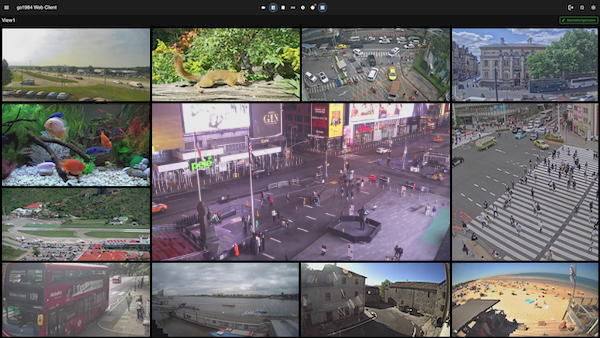
- Flexible column count for customized display
- Double-click for single camera view
- Optional motion markers in the image
- Snapshot function in single view
- Full screen mode for maximum overview
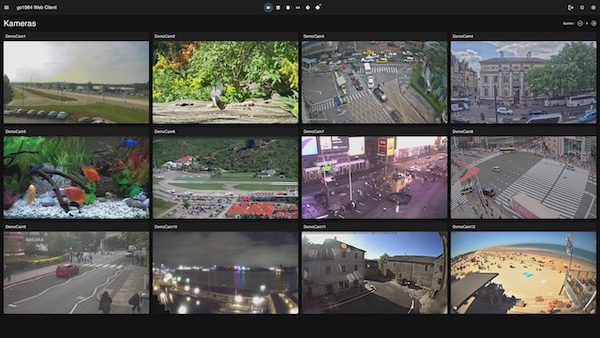
- Monthly overview with recording markers
- Mouse hover for instant quick preview
- Daily overview with scene thumbnails
- Export as JPEG (snapshot) or AVI (video)
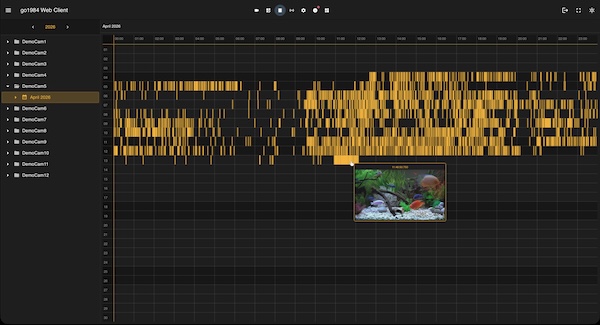
- Pre-built templates: 2×2, 3×3, 4×4 Grid, 1 Large + 5 Small, Picture-in-Picture
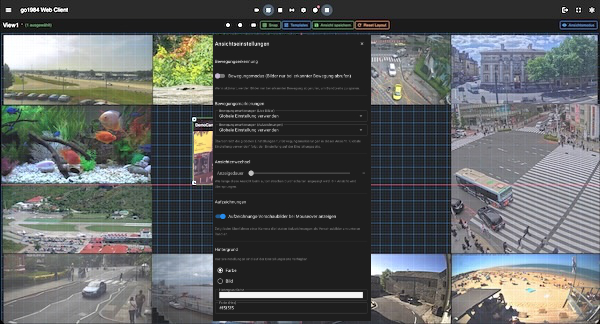
- Free positioning and resizing via drag & drop
- Object fit per camera: Fit, Cover, Stretch, Original Size
- Save and load views
- Automatic switching between saved views
- Grid and guidelines for pixel-perfect placement
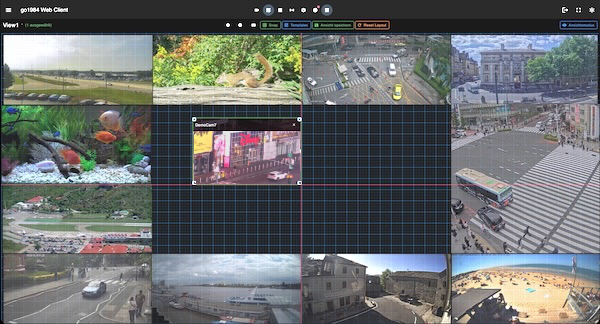
- Motion mode: retrieve images only when motion is detected
- Motion markers separate for live images and recordings
- Individual display duration per view for view switching
- Show recording thumbnails on mouseover
- Background selectable as color (hex) or custom image
- Per-user storage on the server
- Adjustable image compression level for low-bandwidth locations
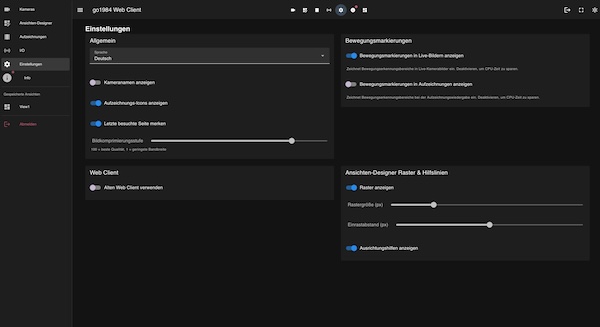
- Show/hide camera names and recording icons
- Remember last visited page
- Control motion markers globally for live images and recordings
- View Designer grid: grid size, snap distance and alignment guides
- Automatic user login optional
- Direct start with desired view possible
Dark interface for eye-friendly work in dimmed control rooms. Reduces glare and fatigue during extended use.
Bright interface for optimal readability in daylight. Clear contrasts and a professional appearance for daily use.
Switch between Light and Dark Theme at any time – the setting is stored per user and applied on every device.
- Share or download snapshots as JPEG directly
- Export and share video sequences as AVI
- Native share dialog on iOS and Android
- Share via email, WhatsApp, Telegram, AirDrop and more
- Directly from the live view or recording search
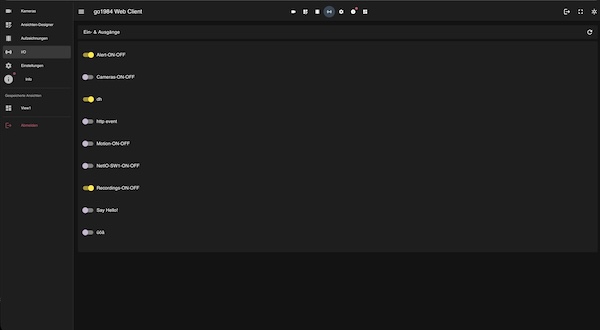
- Trigger HTTP events remotely
- Switch outputs (lights, blinds, alarm)
- Activate alerting functions
Control pan, tilt and zoom cameras directly via the Web Client – for targeted live surveillance.
Export individual images as JPEG – directly from the live view or the recording search.
Export video sequences as AVI for documentation, sharing or archiving recordings.
Secure connection via SSL certificates. All data is transmitted encrypted between browser and server.
Optional red markers in the live image highlight detected motion – for quick visual orientation.
Full screen display for control rooms or focused surveillance of individual areas.
Enable the built-in web server in the go1984 settings. The Web Client is available from version 15.4.1.0.
Navigate to the URL of your go1984 server in any browser – Chrome, Firefox, Safari or Edge.
Log in with your credentials. Optional: Set up automatic login for maximum convenience.
- go1984 version 15.4.1.0 or higher
- Built-in web server enabled
- Network or internet access to the server
- Modern web browser (Chrome, Firefox, Safari, Edge)
- HTML5 support (all modern browsers)
- No plugin or additional software required